
Getting Ether up and running with Docker
I've been playing around with Ether lately and figured I'd share a quick guide for anyone who wants to give it a whirl. It's a self-hosted media server that works with the media apps you probably already have installed on your TV. You can even build your own TV channels!
Installing Ether
Create a compose.yaml file with the following:
services:
  ether:
    image: ghcr.io/braedonsaunders/ether:latest
    container_name: ether
    restart: unless-stopped
    network_mode: host
    volumes:
      - ./config:/config
      - ./cache:/cache
Fire it up!
docker compose up -d
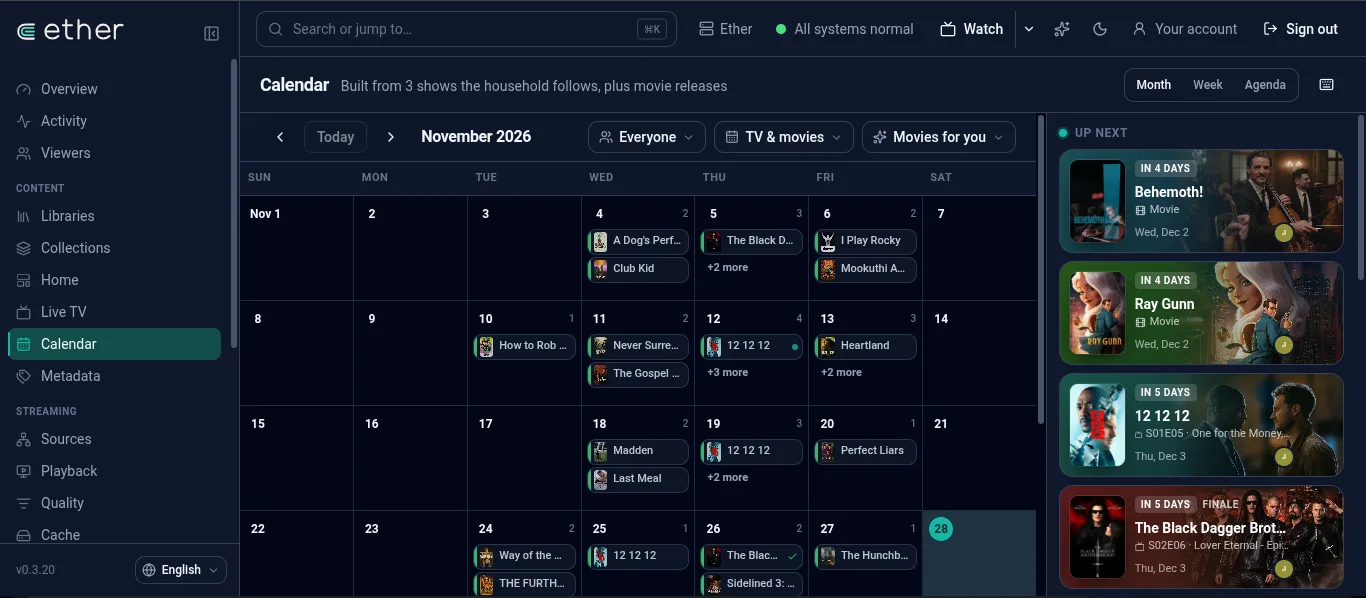
Head over to http://YOUR-SERVER-IP:32400/ether/ and follow the setup wizard. Configure your media providers and enable whichever media clients you want to use.
Stream on Demand Using Usenet
I've been using Ether with Usenet to stream media on demand rather than downloading everything beforehand. It's been a great experience so far, and it's nice not having to dedicate so much storage space to media.
Connecting Jellyfin
If you already have the Jellyfin app on your TV, add Ether as another server using:
http://YOUR-SERVER-IP:32400/jellyfin
Log in with your Ether account and you're off to the races.
Create Your Own TV Channels
Have a poke around the Live TV settings in Ether. You can create virtual channels with your favorite shows and put together your own programming schedules.
Ether is free and open source, although you'll need to configure your own authorized media sources.
 etherA media server that holds no media. One install serves Plex, Jellyfin, Emby, Infuse, Swiftfin, Silo and Stremio apps, st★ 352 · Burning Bright
Comments 0
Sign in or register to join the discussion.
No comments yet.